 OnlineCalculator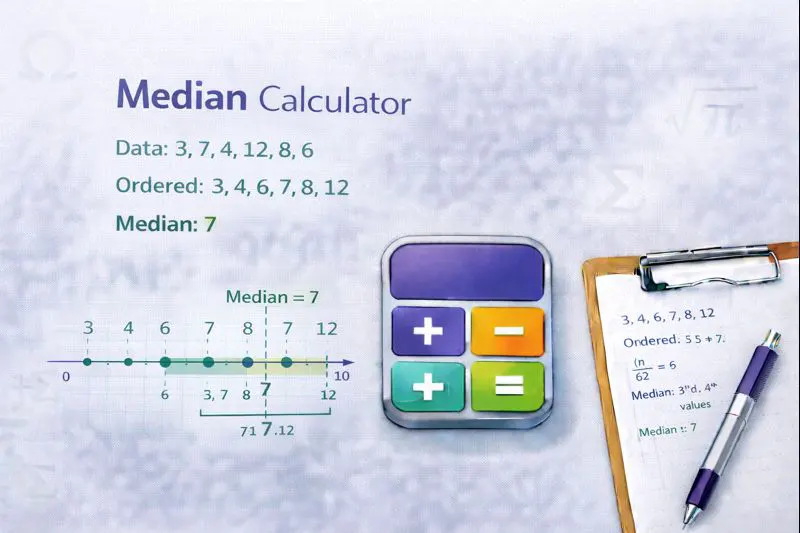
What Is a Median Calculator?
A median calculator determines the middle value when a set of numbers is arranged in order. Unlike the arithmetic mean, the median isn't affected by extreme values or outliers, making it essential for accurate data analysis.
Key benefits of using this calculator:
- Handles any dataset size – from simple homework problems to complex research data with thousands of values
- Automatic sorting – no need to arrange your numbers manually before calculating
- Step-by-step breakdown – see exactly how the median is calculated
- Works with decimals and negatives – accepts all number types for complete flexibility
This calculator uses the standard statistical formula trusted by academic institutions and statistical software worldwide. Simply enter your numbers, and the tool handles the rest—sorting, counting, and identifying the middle value automatically.
Advanced Median Calculator Widget for WordPress Elementor Copy this entire code into an Elementor HTML widget
How the Median Calculation Works
The median represents the exact center point of a dataset. Finding it requires arranging all values from smallest to largest, then locating the middle position.
The Median Formula
For a dataset with n values sorted in ascending order:
- If n is odd: Median = Value at position (n + 1) ÷ 2
- If n is even: Median = Average of values at positions n ÷ 2 and (n ÷ 2) + 1
Step-by-Step Process
Step 1: Input your numbers. Enter all values separated by commas, spaces, or line breaks. The calculator accepts positive numbers, negative numbers, and decimals.
Step 2: Automatic sorting. The tool arranges your dataset from lowest to highest value. This ordering is essential for identifying the true middle.
Step 3: Count the values. The calculator determines whether you have an odd or even count of numbers, which affects how the median is calculated.
Step 4: Find the middle. For odd counts, the calculator identifies the single middle value. For even counts, it averages the two central values.
Important Notes
The median differs from the mean (average) in one critical way: it ignores how far values are from the center. This makes the median more reliable when your data contains outliers. For example, if you're analyzing salaries and one executive earns AED 500,000 while most employees earn around AED 15,000, the median provides a more accurate picture of typical earnings than the mean would.
When working with grouped data or frequency distributions, different calculation methods apply. This calculator handles raw data—individual values rather than grouped frequencies. For comprehensive statistical analysis, you may need additional tools.
Example 1: Student Exam Scores (Odd Dataset)
Scenario: A teacher at an international school in Dubai wants to find the median score from a recent mathematics test.
Input values: 72, 85, 91, 68, 77, 83, 95
Calculation:
- Step 1: Sort the scores in order → 68, 72, 77, 83, 85, 91, 95
- Step 2: Count the values → 7 scores (odd number)
- Step 3: Find middle position → (7 + 1) ÷ 2 = 4th position
- Step 4: Identify the median → 83
Result: The median exam score is 83. This tells the teacher that half the class scored below 83 and half scored above, regardless of how extreme the highest or lowest scores were.
Example 2: Monthly Expenses (Even Dataset)
Scenario: A family living in Abu Dhabi tracks their utility bills over six months to understand their typical spending.
Input values: AED 850, AED 920, AED 780, AED 1,100, AED 890, AED 840
Calculation:
- Step 1: Sort the bills → 780, 840, 850, 890, 920, 1,100
- Step 2: Count the values → 6 bills (even number)
- Step 3: Find middle positions → Position 3 (850) and Position 4 (890)
- Step 4: Calculate average → (850 + 890) ÷ 2 = 870
Result: The median monthly utility bill is AED 870. Note that the unusually high AED 1,100 bill (perhaps from heavy summer AC usage) doesn't skew this figure as it would with a mean calculation.
Example 3: Product Ratings with Decimals
Scenario: An e-commerce business analyzes customer ratings for a product to determine typical satisfaction levels.
Input values: 4.5, 3.8, 4.9, 2.1, 4.7, 4.2, 3.5, 4.8, 4.6
Calculation:
- Step 1: Sort the ratings → 2.1, 3.5, 3.8, 4.2, 4.5, 4.6, 4.7, 4.8, 4.9
- Step 2: Count the values → 9 ratings (odd number)
- Step 3: Find middle position → (9 + 1) ÷ 2 = 5th position
- Step 4: Identify the median → 4.5
Result: The median rating is 4.5 out of 5. The single low rating of 2.1 doesn't affect this figure, giving a more accurate representation of typical customer satisfaction compared to using variance calculations.
When to Use Median vs. Mean
The median is preferable when your dataset contains outliers or is skewed. Income data, property prices, and reaction times typically benefit from median analysis. The mean works better for normally distributed data without extreme values.
Common Mistakes to Avoid
- Forgetting to sort first: The median requires ordered data. Random arrangement gives incorrect results.
- Mixing calculation methods: Even datasets need averaging of two values; odd datasets use a single value. Don't apply the wrong formula.
- Ignoring data types: Ensure all inputs are numerical. Text entries or symbols will cause errors.
- Rounding too early: When averaging two middle values, keep full precision until the final result to maintain accuracy.
Expert Tips
Use alongside other measures: The median alone doesn't tell the complete story. Consider calculating the mode and standard deviation for comprehensive analysis.
Check for patterns: If your median and mean differ significantly, your data likely contains outliers or is skewed. This insight can be valuable for understanding your dataset's characteristics.
Verify with small samples: Before processing large datasets, test your understanding with a simple example you can verify manually.